How to Create a Free VPN Account – A Complete Guide
Categories:
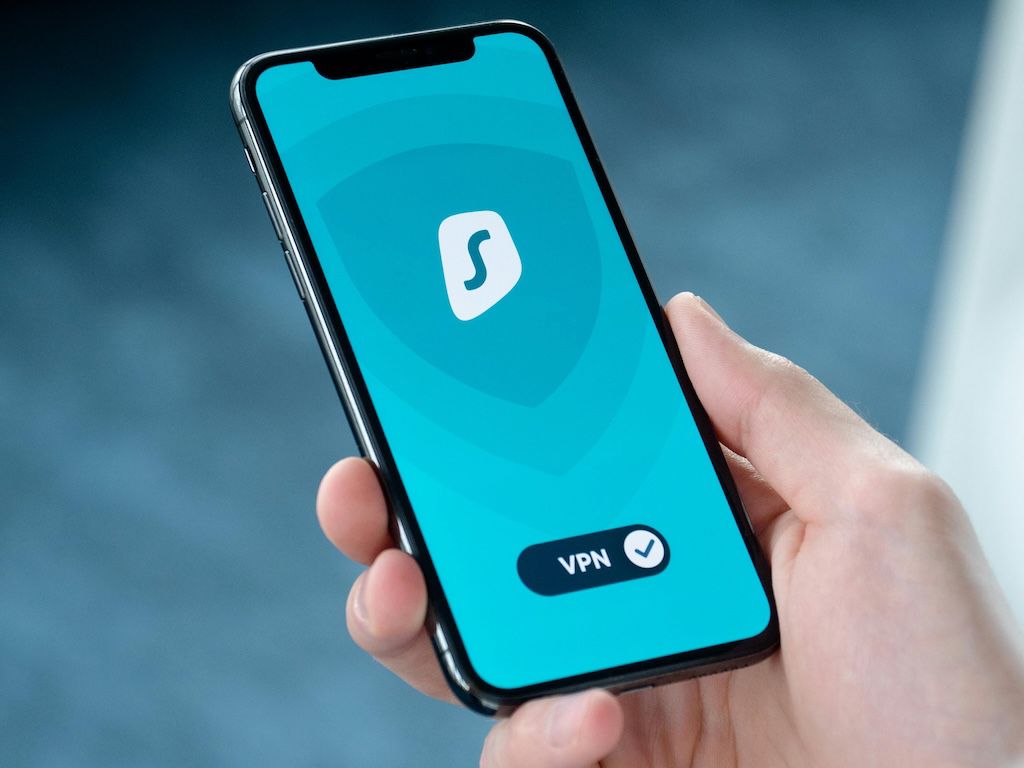
Why You Should Use a VPN
We request all our members to learn how to use a VPN properly and be capable of using it when needed. If authorities ever block our site, Telegram, Facebook, or WhatsApp, a VPN will help you access them without issues. So install the ProtonVPN app on your phone now. Is VPN legal in Bangladesh? Yes, VPN is legal in Bangladesh. Encrypt your data, hide your IP, and browse freely. But remember, with or without VPN, we never support breaking laws or licenses.
A Virtual Private Network (VPN) is a cybersecurity tool that encrypts your internet connection and protects your online privacy. It creates an encrypted tunnel between your device and the server, hiding your IP address and securing your data from unwanted tracking. The purpose is simple — enhance your online privacy and safety, protect your device from online threats, and allow uncensored browsing. It hides your real location and gives you privacy, especially while using public Wi-Fi.
Why Use VPN in Bangladesh
The Bangladesh Telecommunication Regulatory Commission (BTRC) often censors the internet, especially political content and social media posts. Recently, BTRC has begun a large-scale surveillance program and proposed new laws that might require storing and collecting user internet data. This is why using a VPN helps you bypass online censorship and monitoring.
Create a Free ProtonVPN Account
If you want to create a free VPN account, follow these simple steps:
Step 1: Go to the Proton VPN Website
Open this link in your browser: protonvpn.com/free-vpn and click “Get Proton VPN Free.” You can also click “Create account” from the homepage.

Step 2: Go to the Signup Page
After clicking “Get Proton VPN Free,” you will be redirected to the “Create your Proton Account” page. If coming from the homepage, click “Get Proton Free.”

Step 3: Provide a Recovery Email
A recovery email helps reset your password if you forget it. Enter your email and click “Start using Proton VPN.”

Step 4: Set Your Password
You may accept the system-generated password by clicking “Continue with this password.”
Or you can click “Choose my own password” and set your own. Confirm the password and click “Set new password.”


Step 5: Proton VPN Free Plan is Ready
You are now ready to use Proton VPN Free. You will be redirected to the Downloads page to download the client for your device.

What Do You Get in the Free Plan?
With the free plan, you can connect to servers in five countries: Netherlands, Japan, Romania, Poland, and the USA. Free users can connect only one device at a time.
Start using Proton VPN Free today and browse the internet safely!
How to Use the Proton VPN Android App
Step 1: Download and Log In
Download and install the Proton VPN Android app from the Play Store. The open-source version is also available on F-Droid or as an APK from GitHub. After installation, log in with your Proton VPN username and password.
Download Proton VPN for Android
Step 2: Connect to a Server
You can auto-connect to the fastest server for your location or choose any available server on your plan.
Your data is encrypted between your device and the VPN server, meaning:
- Your ISP cannot monitor your activities.
- Websites see the VPN server’s IP, not yours.
While connected, check your IP to confirm the VPN is active.
How to Use Proton VPN on iPhone and iPad
Step 1: Download and Log In
Download Proton VPN from the App Store and install it on your iPhone or iPad. Open the app and log in with your Proton VPN username and password.
Step 2: Connect to a Server
You can auto-connect to the fastest server or choose any server available in your plan.
Your data is encrypted between your device and the VPN server, meaning:
- Your ISP cannot track your activity.
- Websites see only the VPN server’s IP.
While connected, check your IP to confirm the switch.
What Is a VPN Ban?
A VPN ban is when governments, organizations, or ISPs restrict VPN usage. They may block VPNs to stop users from bypassing censorship or hiding activity. VPN traffic is identified and blocked using detection technologies, making VPN access limited or fully restricted.
Can VPN Be Blocked?
Yes, VPNs can be blocked. Governments and organizations may block VPNs to impose censorship or protect internal networks.
How to Know If Your VPN Is Blocked?
You may face the following issues:
- Connection failure
- Unable to connect to any server
- Websites not loading
- IP remains unchanged even after connecting
- VPN stops working on specific networks
How to Bypass a VPN Block?
If you wish to bypass restrictions, ensure it is legally allowed and follows local laws and network policies. Otherwise, it may cause legal issues. If the use is not illegal, you may try:
- Changing VPN protocol
- Switching to mobile data
How Are VPNs Blocked?
Governments or companies use several methods to block VPNs. They may collect the list of IPs used by a VPN service and block them. Firewalls may also be configured to block VPN ports. If you try connecting through a blocked port, the request is rejected.
They also use Deep Packet Inspection (DPI) to analyze data between your device and the server. DPI detects VPN-specific patterns and signatures. Once detected, the VPN connection is blocked.
Date: 17.08.2024